


| Version | Change log |
| dtSearch 2025.02 (Bui Nov 21, 2025 |
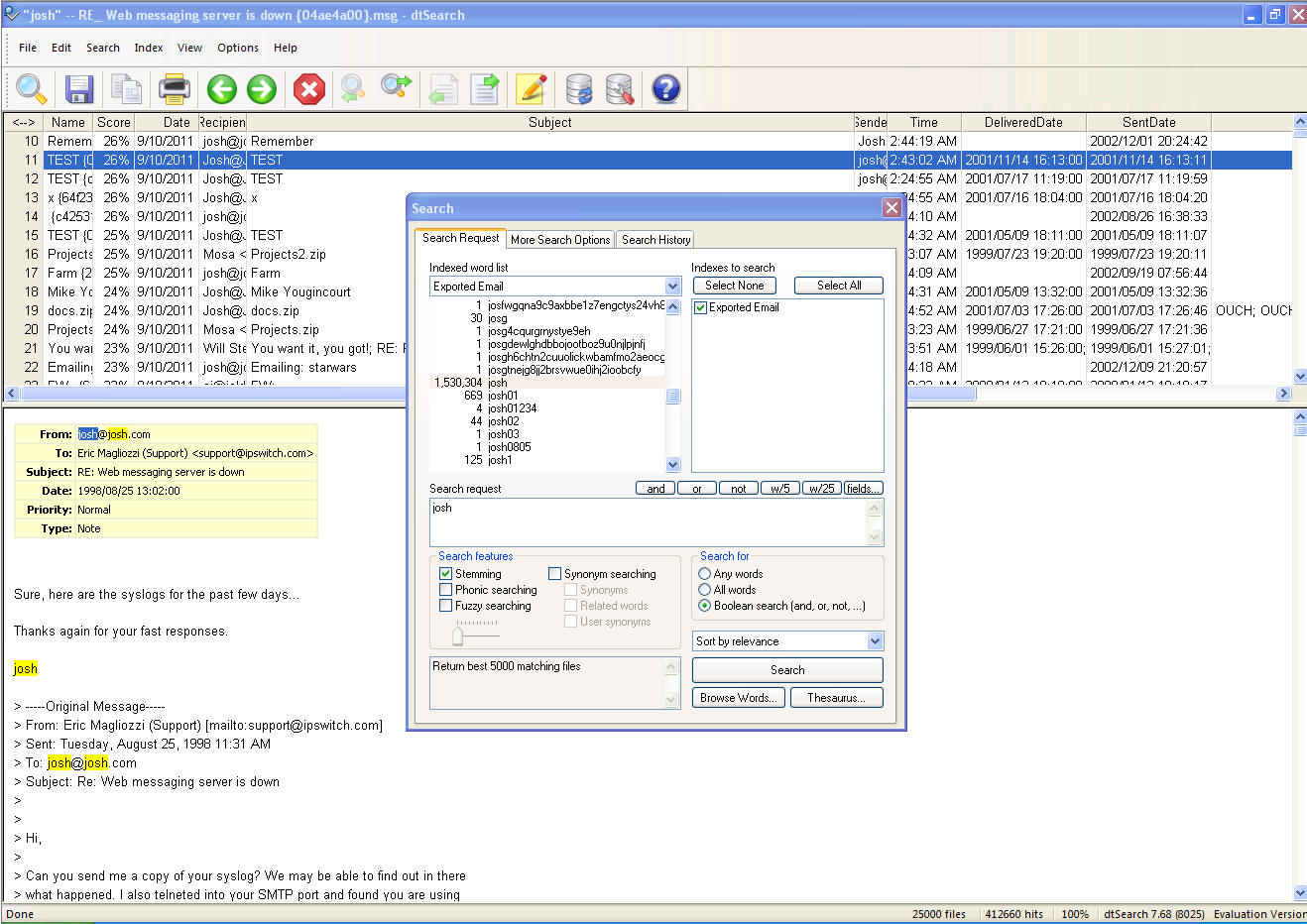
JSON file format support: Added support for indexing and searching JSON files (type id it_JsonRecord=371). As with XML, field searching, including nested field searching, is supported. Because JSON files cannot be automatically detected, the file type table must contain a rule identifying JSON files using a filename pattern (i.e., *.json). JSON tables support: If the file type table specifies the file type "JSON Table" (it_JsonTable=372), then the JSON file must consist of an array of objects, each of which will be indexed as a row of the file. Information outside the array object will be ignored. CSV and JSON table configuration files: Table configuration files provide a way to make indexed table data more useful by providing a way to specify the name and date for each row using data in the table. To enable table configuration files, set the flag dtsFlagUseJsonConfigFiles in Options.OtherFlags. When this flag is enabled and a CSV or JSON table is being indexed, dtSearch will look for a file named {filename}.config.json (where {filename} is the name of the CSV or JSON table) containing the rules to apply to that file. The .config.json file can contain these settings: "RowName": A template using %% around field names specifying how to build an informative filename for each row. Example: "Row for %%lastname%% %%firstname%%". The row name will always include the ordinal and offset for the row data so the generated filename does not have to be unique. "RowDateField": The name of the field to use as the date for the row, which will appear and be sortable in search results like file modification dates. If no RowDateField is specified, the modification date of the containing file will be used. "DateFormat": The layout of the RowDateField (example: "YYYY-MM-DD"). "SkipBlankFields": If true, fields with blank values will be omitted rather than being included with an empty value. (This can improve the reada |
| dtSearch 2025.01 (Bui Mar 11, 2025 |
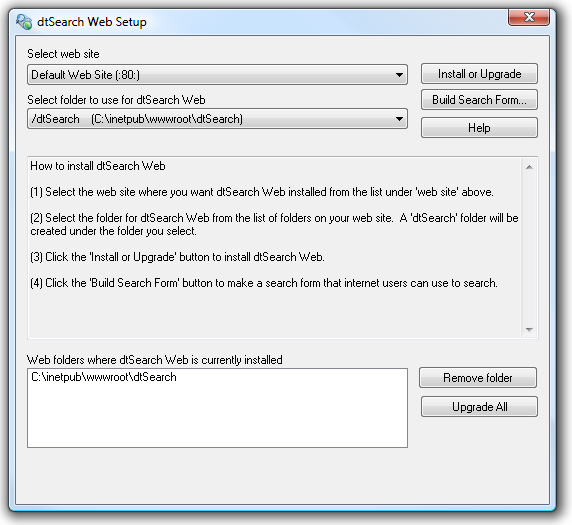
Fixes/Minor Enhancements: dtSearch Web: Added support for running dtSearch Web Setup under Windows Server 2025. Fixed: Some users unable to use Edit > Copy in dtSearch Desktop to copy text from the preview window. Added search flag dtsSearchWantHitDetailsSynonymOf (In the hits by word report, include SynonymOf= to indicate the source term for synonym expansions.) Fixed: If MD5Hash or SHA256Hash is designed as a stored field, and if documents are index with the flag dtsoFfGenerateMd5Hash or dtsoFfGenerateSHA256Hash, these field values were not treated as stored fields during indexing for container document types such as ZIP (so the hash values would not appear as document properties in search results). Fixed: Bug in regular expression matching misses "abc" in a search for "##z*abc". The bug only applies to regular expression searches and affects single character expressions followed by * in cases where the single character expression should match zero instances of the character. In the above example, zabc, zzabc, etc. are found, but abc is not. Simple wildcard searches like z*abc are not affected. File parser bug fixes affecting: TAR, HWP, HWPX, PDF, EML Other bug fixes |
Total downloads
64
Last month's downloads
3
Last week's downloads
3

Top Download Club is thrilled to introduce Indexer++, an exceptional software developed by Anna Krykora. This ... by allowing the user to index, organize, and search file content in an efficient manner. The intuitive interface and powerful indexing engine make it easy to sift through masses ...


Top Download Club is proud to feature Finder Plus, the innovative software developed by Leo-soft. This ... manage and organize their files and folders. With Finder Plus, users can easily and efficiently search for files based on a variety of criteria, ... for both novice and experienced users. What sets Finder Plus apart from other file managers is its ...

... revolutionary tool allows for a quick and efficient search of your entire system by file type. Whether ... know-how required. Say goodbye to endless scrolling and searching through your system and say hello to organized and efficient file management - courtesy ...