



| Version | Change log |
| install4j 12.0.3 Feb 24, 2026 |
New features: Selection trees that show files or installer beans now use a tri-state check box to show that some descendants are selected Added support for compiling scripts to Java 25 "Modify JSON files" action: Added a "Pretty print" property to format JSON for readability Bug fixes: Regression in 12.0: The configuration for JSON and PDF actions was partially broken Regression in 12.0: Insertion feedback lines for drag and drop in the install4j UI were not visible anymore in light mode "Set installation directory" action: The "Skip for command line installation directory" property did not have any effect if the "sys.installationDirectory" variable was present in a response file on the command line The language selection dialog had a light title bar when dark mode was configured Changes to the "Convert dots to underscore" option in the "Media file options" step were not displayed when the project was loaded again When the installation directory in the default file set was selected in a file selection tree, the selection was not saved Installation components: If there was only one file set, and that file set was selected in an installation component, the selected file tree was not displayed when the project was loaded again macOS service launchers: the legacy start command line parameter for the service executable only worked if the "Start a service" action was used at least once Linux launchers: Application menu entries were sometimes not deleted Linux launchers: .vmoptions files were not read for launchers with spaces in the path name Linux packages: If "Default actions for installed launchers" is selected, the "exclude from menu" settings for launchers was not used for symlinks in /usr/local/bin |
| install4j 12.0.2 Dec 19, 2025 |
New features: Native file system choosers on Linux Scale checkbox and radio button icons with widget style font size Bug fixes: Regression in 12.0: The Windows Flatlaf DLL was missing for 32-bit installers Regression in 12.0: yubikey did not work correctly anymore The layout of the language selection dialog in the installer was broken when UI scaling was used The default widget style was not applied to the language selection dialog in the installer When a custom font with a specific size was set for a widget style, the font size was not scaled with the UI scaling factor Windows executables: The checksum in the PE header was not implemented. This fixes a warning by "osslsigncode verify". Background images in styled DMGs were not shown anymore on macOS 26.2 |
| install4j 12.0 Nov 1, 2025 |
New features: New UI for the IDE and updated artwork for installers DMG styling for macOS media files with a default styling option enabled by default Widget styles have been added to change fonts, colors, and other aspects of all widgets that are shown in installer applications Command line launchers and services of macOS media files are now binary executables instead of POSIX scripts, support entitlements, and do not start a separate "java" process anymore For macOS installer applications, the JVM is now started in-process, fixing problems with incorrect titles and icons in the Dock For single-bundle archive media files on macOS, all launchers are now nested as separate application bundles in the main application bundle For single-bundle archive media files on macOS, out-of-process installer applications are now nested application bundles and properly show in the Dock Added a "Set installation directory" action with various installation scopes and optional handling of update installations. The action manages the sys.?installForAllUsers installer variable for coordinating with other components Added the "Installation scope chooser" form component and the "Installation scope" screen for asking users whether to perform a user-specific or a global installation Code signing is now a separate section in the install4j IDE Added an optional separate PKCS #11 certificate file entry for situations where the certificate or the full certificate chain cannot be found in the keystore Improved matching of private keys and certificates for PKCS #11, leading to fewer code signing errors The environment variable DYLD_?LIBRARY_?PATH can now be set on macOS for the install4j command line compiler to load PKCS #11 libraries Added an "Additional binaries to be signed" option for Windows code signing so you can sign external binaries as well The PKCS #11 session is now kept alive to speed up code signing Added support for the Apple Servi |
Total downloads
79
Last month's downloads
3
Last week's downloads
1

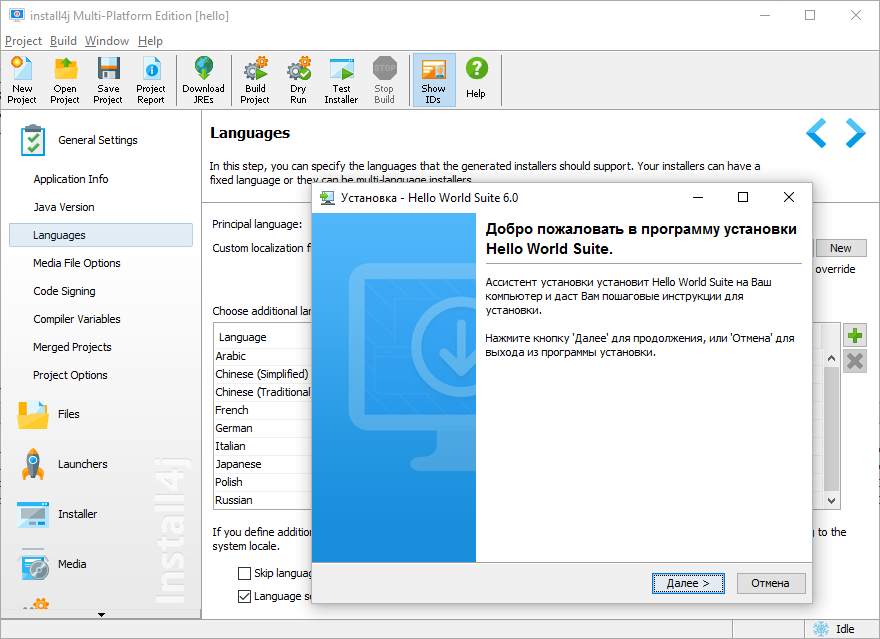
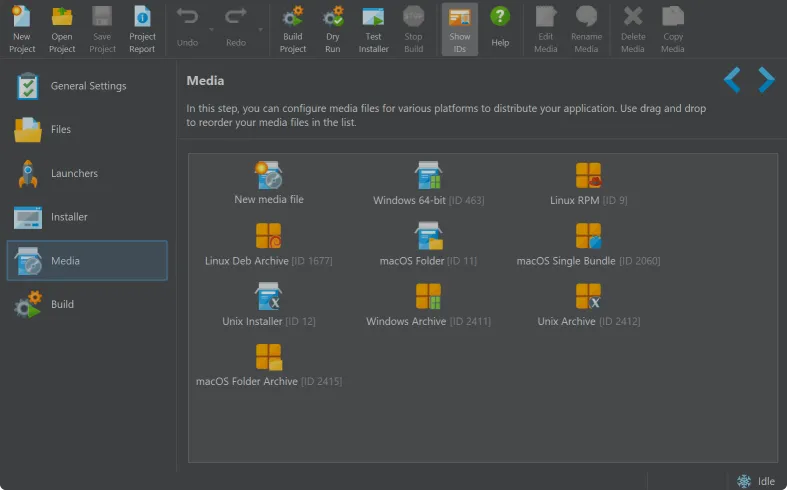
Install4j x64, developed by ej-technologies GmbH, is a powerful ... your specific needs. One of the key strengths of install4j x64 is its cross-platform support. It can create installers for a wide range of platforms, including Windows, Linux, Mac OS X, and Unix, ensuring your ...