



| Version | Change log |
| PerfectTablePlan 7.2.1 Dec 8, 2025 |
There was a bug in PerfectTablePlan v7.2.0 that could sometimes cause seat assignments or proximities to change when a plan was saved and re-opened. This bug is now fixed. Thank you to Alan C., who was the first person to report the bug. If you already saved a plan in v7.2.0, you should open that plan in v7.2.1 and check that the seat assignments and proximities have not been changed. If they have changed, we recommend you revert to the last version of the plan that wasn’t saved by v7.2.0. If you don’t have a previous version of the plan, you should be able to open an automatic backup created by PerfectTablePlan on Windows or Mac. A warning about the above issue appears if you open a plan that was last saved in v7.2.0. |
| PerfectTablePlan 7.1.2 Nov 7, 2025 |
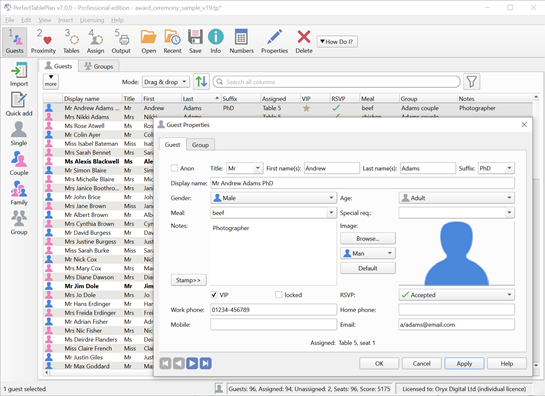
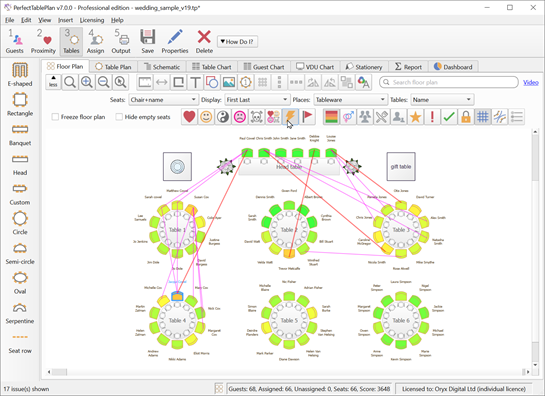
In the Floor plan and Table plan panes, if Seats is set to Rectangular+name, Chair+name, Rectangular or Chair and Places is set to Seat number (small), Seat number (medium) or Seat number (large) then seat numbers are no longer rotated with the rows of seats. This should make the seat numbers easier to read. In the Floor plan and Table plan panes, if Seats is set to Circular and Places is set to Seat number (small), Seat number (medium) or Seat number (large) then the seat numbers are displayed on rows of seats. Previously they were blank.You can now control whether the legend in the Table Plan pane is placed automatically (according to table shape and orientation), on the right, or below the table. Previously it was always placed automatically The following are now sorted according to the locale set in your operating system (e.g. ‘Å’ will sort before or after ‘A’ depending on whether your locale is English/United Kingdom or Swedish/Sweden): Guests pane Groups pane Schematic pane Preferences>Titles Preferences>Suffixes Some panes, such as the Guest Chart pane were already sorted by locale. This improves the consistency of sorting across the various panes. The layout of the Guest Properties window has been improved. This make better use of the horizontal space available. |
| PerfectTablePlan 7.0.3 Nov 15, 2024 |
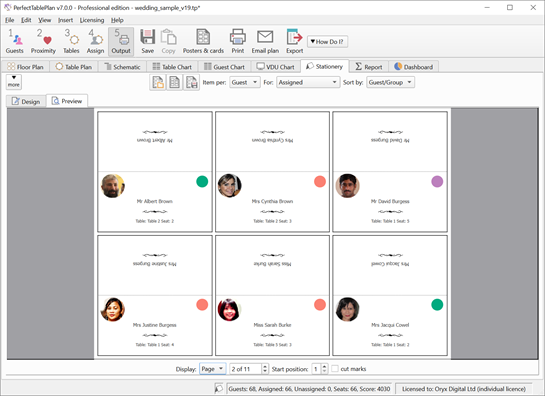
Windows and Mac: Importing multiple guests per row could sometimes end up with trailing commas at the end of the meal. This is now fixed. In the Stationery pane the substitution text {event_date} was being replaced with the current date, rather than the date set in File>Event Information. This is now fixed. Thank you to Mike S. for reporting this. Windows only: It should now be possible to install PerfectTablePlan v7.0.3 on Windows 11 computers with ARM (rather than Intel) processors. Installing previous versions on Windows sometimes gave DLL errors, such as: The code execution cannot proceed because VCRUNTIME140_1dll was not found. This is now fixed. Thank you to various customers who reported this. The Windows installer now has a more modern look. Advanced and Professional editions only: Windows and Mac: Adding a custom field during import could sometimes cause a crash. This is now fixed. Thank you to Barbara F. for helping to us to track down this (very obscure) bug. |
Total downloads
53
Last month's downloads
3
Last week's downloads
1

... for web developers and programmers who want to create great new Javascript in seconds. With its user-friendly interface ... the ideal tool for anyone who wants to create great new Javascript in seconds. Check it out today and see for yourself! ...


... powerful tool allows users to easily design and create highly effective and customizable online surveys for a wide range of research needs. With an intuitive interface and a robust set of features, this software is an ideal choice for ...

... to Entice Viewers to Your Webpage" developed by Create a Scratch Game with Java Software. This innovative ... the software offers you the ability to easily create and manage high-quality scratch games that are perfect ... of your website visitors, increase website traffic, or create an online buzz around your brand, owning and ...