


| Version | Change log |
| Portable GonVisor 2.93.00 Dec 30, 2025 |
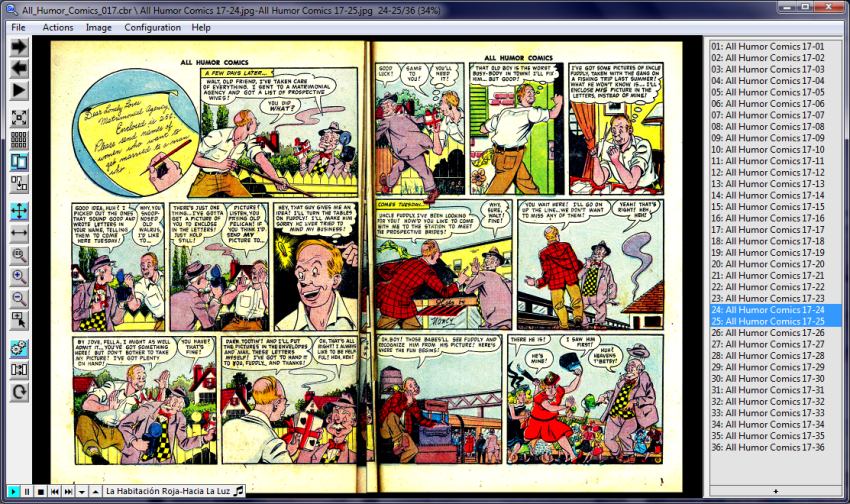
Preset colour enhancement settings: Low / Medium / High correction. Available in the colour enhancement settings, via right-click on the colour enhancement button, or as a direct mouse action. Greater flexibility when defining contrast and normalisation for colour enhancement. Mouse actions can be modified by holding a modifier key (Ctrl / Alt / Shift). New actions added in the mouse setting that can be triggered directly with the mouse. Shadow size can be adjusted in the double-page settings. A size adjustment factor can be defined when extracting images. New actions (menu, hotkey or mouse action) to move forward or backward by 10 images at a time. Random mode available for automatic slideshow. File info now shows the size of the currently loaded image. Minor fixes and translation improvements. |
| Portable GonVisor 2.92.03 Oct 20, 2025 |
Improved PDF files integration and its performance, now they are considered like any cb* file. Fixed performance cache for encrypted files. Added Manga mode button to the control bar. Added AVIF static image support. Fixed zoom fit to line jump adjustment. Improved ASCII art conversión. Consider printer device native margins to adjust the print area. Suggest current image size creating video with customized size. Fixed winamp audio control when it scrolls the title. Fixed some unexpected errors. |
| Portable GonVisor 2.91.01 Nov 28, 2024 |
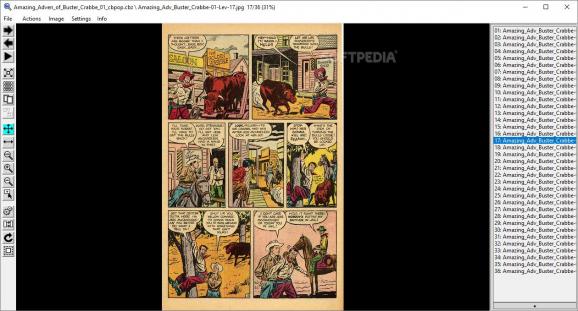
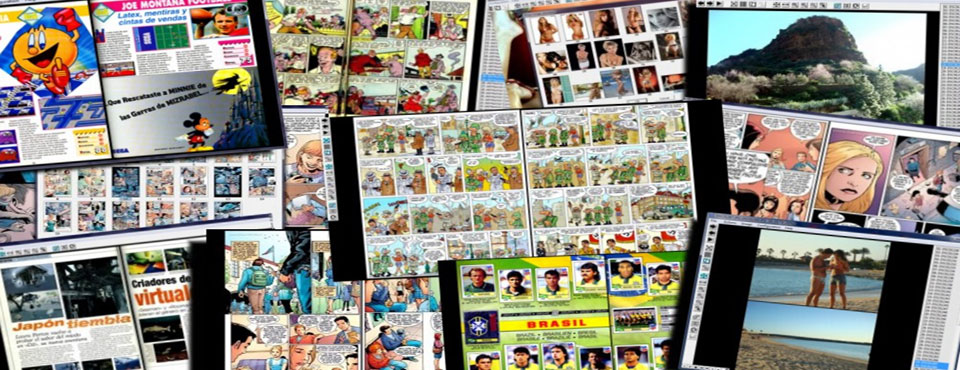
Support animated GIF and WEBP files. Improved ZIP format compatibility. Split images in two (usefull for images scanned in two pages). The already splitted images can be detected to avoid splitting them. It can be activated by file, to open the file always as splitted. Manga mode can be activated by file. Sound can be added to image transition. Improved algorithm to crop the margins. Increased number of bookmark slots. Fixed Spotify compatibility to control it. Zip/rar/7zip/tar extensión files can be searched managed as comic files. New action in image file list – righ click: Show in Windows explorer. Improved compatibility with ffmpeg transition settings creating videos from images. Many many fixes and GUI/performance improvements. |
Total downloads
86
Last month's downloads
3
Last week's downloads
2

Picture Merge Genius, developed by Easytools, Inc., is a standout software available on the Top Download Club website. This software is a powerful tool that caters to both ... Picture Merge Genius is not just about merging pictures, it's about creating a seamless blend of images ...


Top Download Club offers a wide range of software reviews for all your technology needs. One software in particular that stands out is Picture Collage Maker Pro, created by PearlMountain. This user-friendly software allows you to make stunning photo collages with ...

... Club is thrilled to introduce our latest featured software, Picture Data by Schwab Software Systems! Picture Data is an innovative tool designed to help ... of photos in just seconds. Not only that, but Picture Data also includes powerful search capabilities that make ...