

ePrivacy and GPDR Cookie Consent by Cookie Consent
PTGui download

PTGui

Version: 13.6 | Size: 69.80 MB
Top Download Club  |  Graphic Apps  |  Editors  |  PTGui
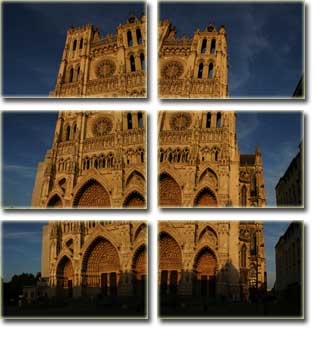
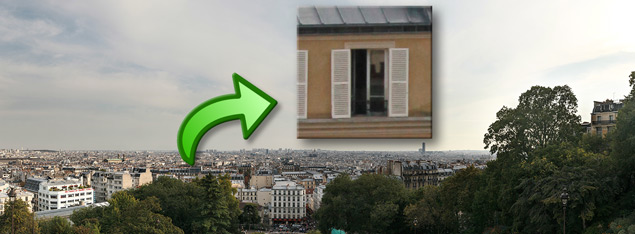
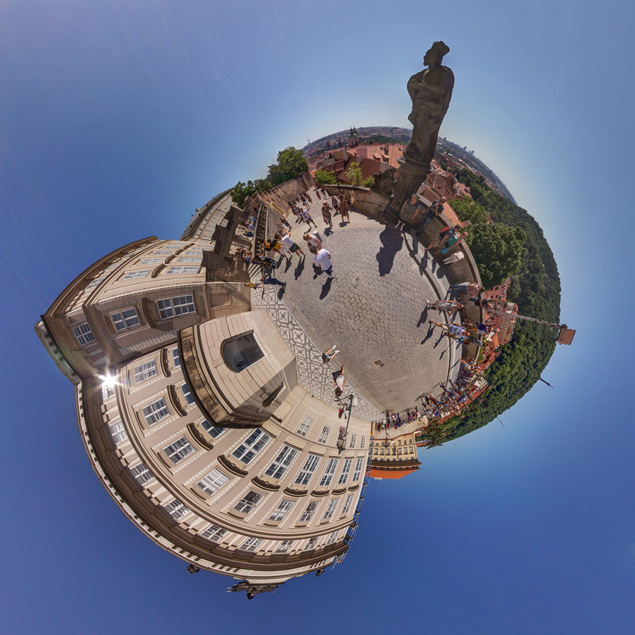
Top Download Club is proud to present PTGui, a powerful software developed by New House Internet Services B.V. This exceptional tool enables both professional and amateur photographers to create stunning panoramic images with ease.

PTGui is user-friendly and straightforward to navigate, making it the perfect option for both beginners and professionals. It allows photographers to create immersive views of their surroundings, enhancing their work and making it stand out amongst the crowd.

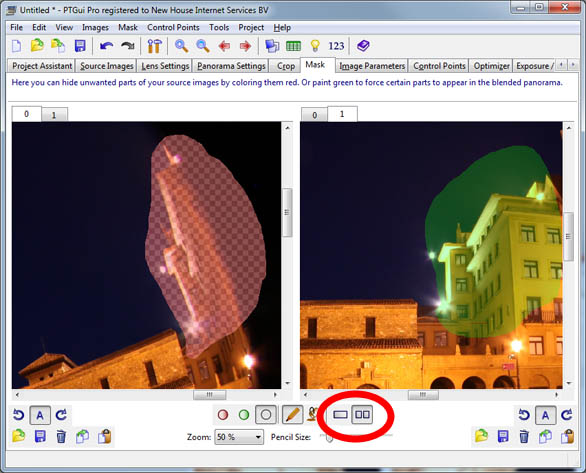
This versatile software features high-quality stitching abilities, allowing for seamless image composition. Its smart blending algorithms eliminate all visible seams, enabling photographers to create masterpieces that appear as if they were taken in a single shot.

PTGui's innovative technology projects an accurate representation of the lens and camera, ensuring consistent and reliable results throughout the composition process.

PTGui also features a variety of useful tools such as HDR exposure correction, exif reading, and a friendly community forum. Not only does this software enable beautiful panoramic creations, but it also helps improve the quality of the image itself.

In summary, PTGui developed by New House Internet Services B.V. is an exceptional software tool that stands out in the photography market. Its ease of use, seamless stitching, and innovative technology make it an obvious choice for any photographer looking to create stunning panoramic images. Top Download Club highly recommends PTGui as a must-have software for any photography enthusiast.

What do you think about PTGui?

Your Name:
Register Now
Summarize review in one sentence:
What do you think about PTGui?
Your rating:
Captcha:
Our Awards
Top Download Club 4 stars award Top Download Club editor's pick Top Download Club clean check
Users´ rating
PTGuiEditorsWindows 11, Windows 10 64 bit

User Rating: 4.0 (110 votes)

Licence:
Demo

Price:
$175.00

File size:
69.80 MB

Last update:


OS:
Windows 11, Windows 10 64 bit

Last version:
Last versions of PTGui
Version Change log
PTGui 13.6 Feb 27, 2026 Fixed: Windows: Failed to load raw files if the containing folder name contained non-ASCII characters.
PTGui 13.5 Feb 26, 2026 Fixed: the French translation was broken in v13.4.
PTGui 13.0 Jan 31, 2025 Detail Viewer: New Patch Tool (see above)
Detail Viewer: New View Panel which shows and edits the current viewing angles.
Detail Viewer: New Snapshot tool. This saves the current view to an image. Rather than a screenshot, this actually renders the current view at full resolution.
A DNG output format option was added.
PTGui can now remove chromatic aberration and apply noise reduction to RAW and DNG source images. A new 'RAW Preprocess' tab has been added for this purpose.
Certain cameras, for example those in DJI drones, produce DNG files with an embedded lens correction profile. PTGui now reads and applies this profile, giving a much improved image quality.
Support for JPEG 2000 file format was added (both input and output).
New command: Control points - Delete control points between non-adjacent images can. For example if we have 3 images in a row, we may already have control points between image 1 & 2 and between 2 & 3. Any control points between image 1 & 3 will be deleted. Especially in case of parallax, this will improve alignment.
If Exposure Fusion is not enabled, the default HDR workflow has been changed to 'Merge to HDR first, then blend', because this results in much faster rendering of the panorama and requires less memory. Blend planes cannot be generated in this mode though. For exposure fusion panoramas, blend planes are still enabled by default because this gives better results. The default HDR workflow can be overridden in the Exposure/HDR tab.
PTGui is better able to find control points for back-to-back fisheye images such as those produced by one shot 360 degree cameras. Back-to-back fisheye images overlap in just a narrow ring at the edge of the fisheye circle, and until now PTGui had difficulty finding control points.
The default spacing between items in the user interface has been increased slightly, for better readability.
Keyboard shortcuts have been added for navigating between the tabs in the main window (see menu View -> Go to Tab).
PT
View history

13.6

Downloads:
Downloads of PTGui

Total downloads
64

Last month's downloads
2

Last week's downloads
2


64

Developer

Alternatives to PTGui

PTGui Pro for Mac OS X 13.6 screenshot

PTGui Pro for Mac OS X

... offer! Today, we're excited to introduce you to PTGui Pro for Mac OS X from New House ... a state-of-the-art photo stitching software? Look no further! PTGui Pro offers a seamless and user-friendly interface that ... Whether you're a professional photographer or a hobbyist, PTGui Pro empowers you to turn your vision into ...

Update
Pick
PTGui Pro for Mac OS X 13.6 DownloadPTGui Pro for Mac OS X like
NEWSLETTER
© 2026 TopDownload.Club  |  All rights reserved.
created by FAUST